I will need to be quick, I have a dentists appointment (arg!), but I could not leave without at least a peek at Office 2010, so Outlook being my weapon of necessity, that the choice:
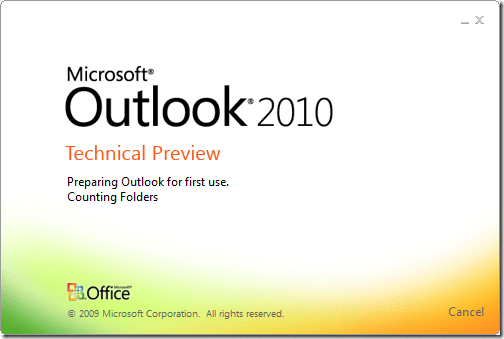
You can’s see it from a still, but those colours are dancing about, and I just caught a glimpse of the magic words “Importing user settings”… I am a happy man…
So, its smile time…
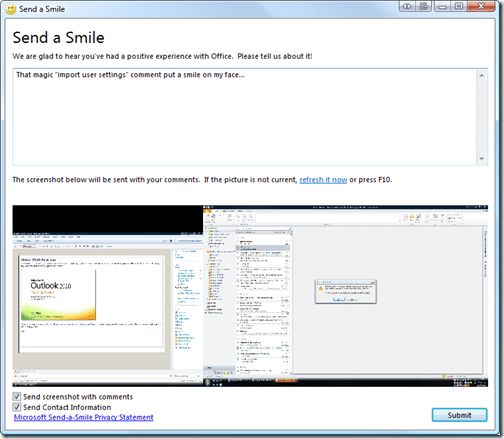
I think this form of feedback is both informal and excellent for encouraging user participation…
Usual activation…
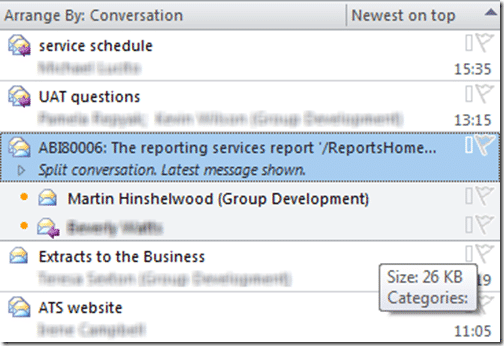
Woo, when you select an email you get a nice little tasks list, just what I wanted.

Nice… It does a little conversation stuff and from what I can see its a LOT better than Google… When will this functionality hit Live Mail I wonder…
Well, its dentist time, so that’s all I have time for… Will try to install on Windows 7 tonight…
Technorati Tags:
Windows
Office
Our Happy Clients
We partner with businesses across diverse industries, including finance, insurance, healthcare, pharmaceuticals, technology, engineering, transportation, hospitality, entertainment, legal, government, and military sectors.
MacDonald Humfrey (Automation) Ltd.
Washington Department of Enterprise Services
Department of Work and Pensions (UK)
Nottingham County Council
New Hampshire Supreme Court
Flowmaster (a Mentor Graphics Company)
Brandes Investment Partners L.P.