a·gen·tic a·gil·i·ty
Installing Windows 7
TL;DR; Step-by-step guide to installing Windows 7 in a virtual environment, covering setup options, first boot, and initial configuration with screenshots.


https://nkdagility.com/resources/il4oYdn6wqL
TL;DR; Step-by-step guide to installing Windows 7 in a virtual environment, covering setup options, first boot, and initial configuration with screenshots.
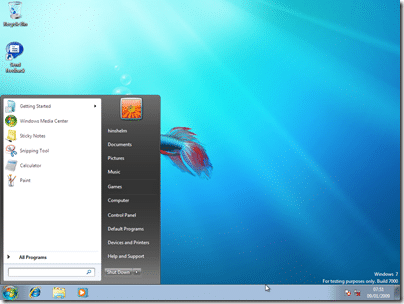
Installing Windows 7 is so similar to the Vista install it almost does not deserve a post on it, but as I did not do a Vista install post, and I am waiting for the install to complete, I though you should see, erm…. the nice new colours…
I am installing on a virtual environment (Virtual PC) on my desktop so any timings for the install are largely irrelevant, but my Host computer had Dual Quad core Xeon’s and some serious HDD and RAM speeds.
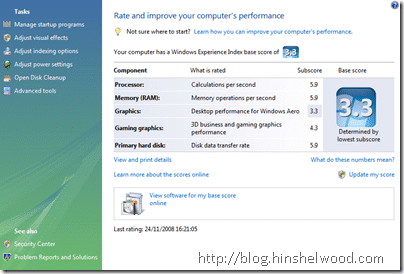
I only get a 3.3 because my graphics card is not a very expensive one…
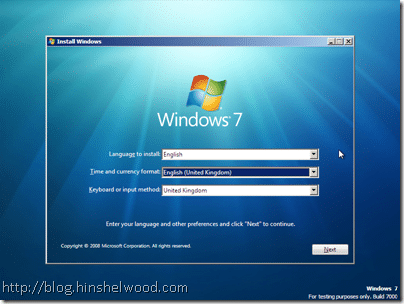
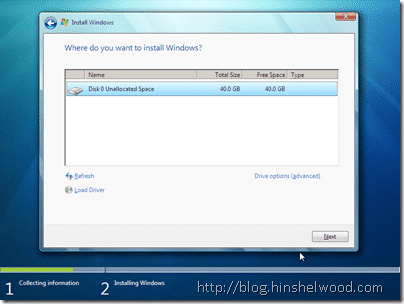
I gave the VM 1.5 GB of RAM…
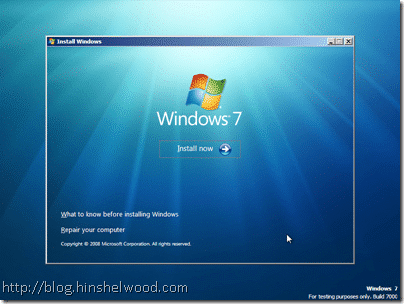
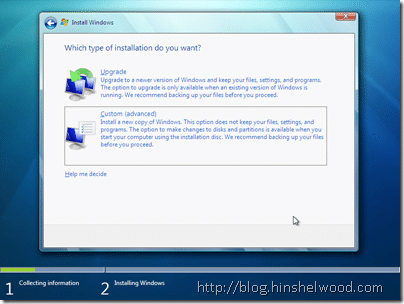
For some reason the “Upgrade” option was available! Bug maybe…
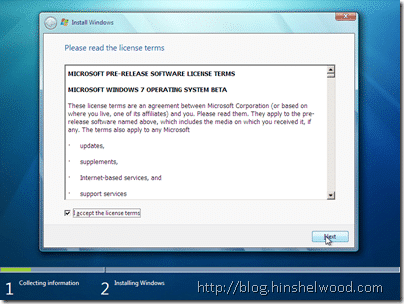
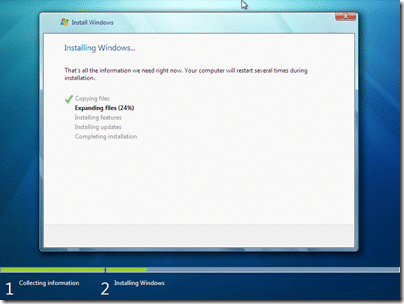
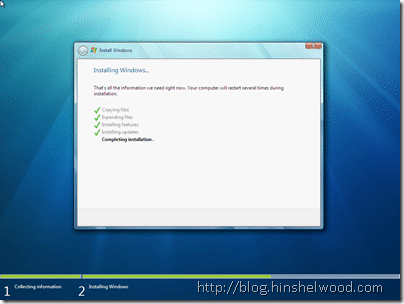
I was quite surprised to see that I got this far in around 10 minutes… I barely have time too keep up with my post!
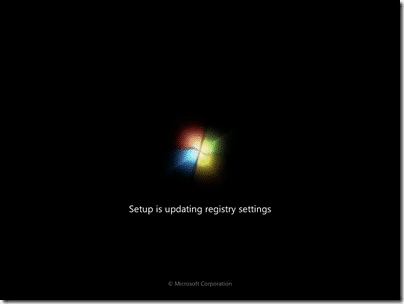
And less than 10 minutes after that!
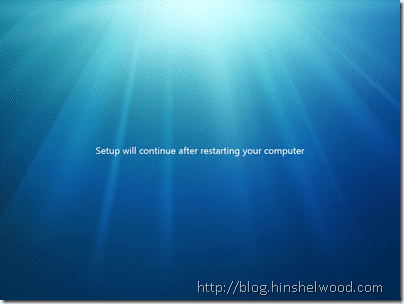
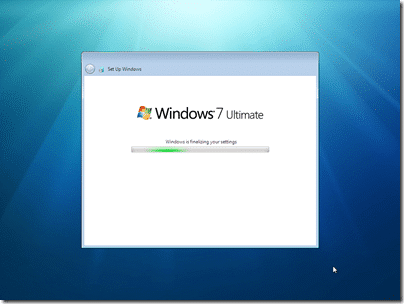
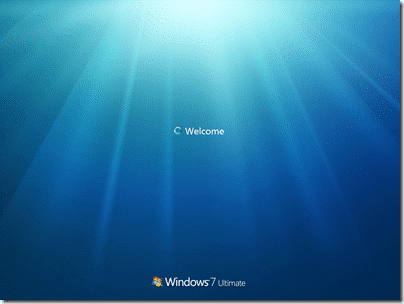
Well the install is done, now we are at fist boot..
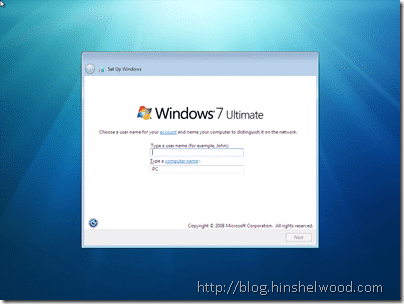
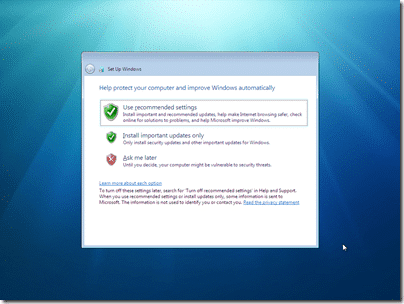
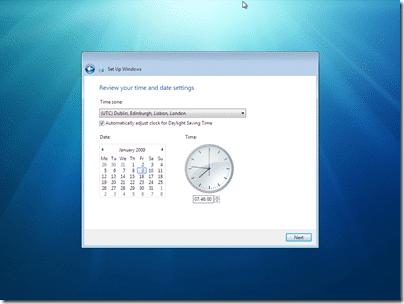
After this you will be asked for your product key, and then the standard setup questions…
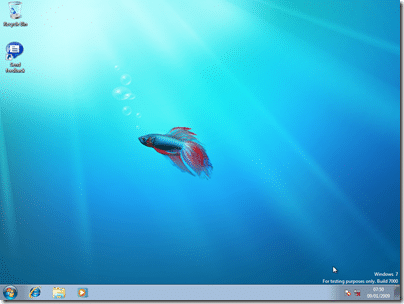
All in all, a very nice experience so far… I will probably be running at home as well, but I do not expect that install to take 25 minutes!
My computer at home is a P4 3.1Ghz with 1GB of ram… :(
Technorati Tags: Windows
Each classification [Concepts, Categories, & Tags] was assigned using AI-powered semantic analysis and scored across relevance, depth, and alignment. Final decisions? Still human. Always traceable. Hover to see how it applies.
If you've made it this far, it's worth connecting with our principal consultant and coach, Martin Hinshelwood, for a 30-minute 'ask me anything' call.
We partner with businesses across diverse industries, including finance, insurance, healthcare, pharmaceuticals, technology, engineering, transportation, hospitality, entertainment, legal, government, and military sectors.

Epic Games

Graham & Brown

SuperControl

Workday

Hubtel Ghana

Big Data for Humans

Jack Links

Slicedbread

Ericson

Alignment Healthcare

Akaditi

Capita Secure Information Solutions Ltd

Healthgrades

Microsoft

Kongsberg Maritime

MacDonald Humfrey (Automation) Ltd.
NIT A/S

Higher Education Statistics Agency

Ghana Police Service

Washington Department of Enterprise Services

Nottingham County Council

Washington Department of Transport

Royal Air Force

Department of Work and Pensions (UK)
Alignment Healthcare

Lockheed Martin

New Signature

Trayport

DFDS

Teleplan