Install and Configuration
Installing Visual Studio 2013 on Server 2012
Step-by-step guide to installing Visual Studio 2013 alongside Visual Studio 2012 on Windows Server 2012, covering setup, disk space, login, and …
TL;DR; Step-by-step guide to installing Visual Studio 11 on Windows 7, covering setup process, UI changes, system requirements, and initial configuration options.

With the launch of Visual Studio 11 beta and that it is fully supported in production I wanted to update my laptop with the bits. I have a presentation on Friday of what’s new in Visual Studio 11 and I will show some of the new features there.
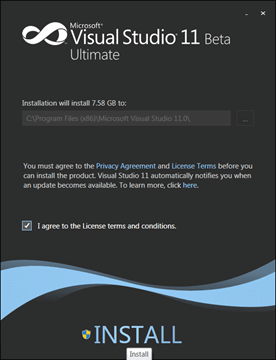
Figure: The new installer is clean
There has been some comment on the colours, or lack there of, in the new UI, but to be honest it works. It may be a little drab for the first wee while, but once you get used to it you begin to love it. It a user interface for every day use, not occasional use.
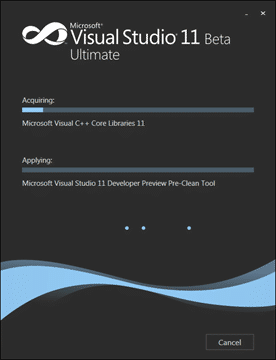
Figure: Installation is painless with no configuration
lets face it, you don’t need to configure the install and now that the team has paired it down to only 1.6GB we can have it all and not worry about space.
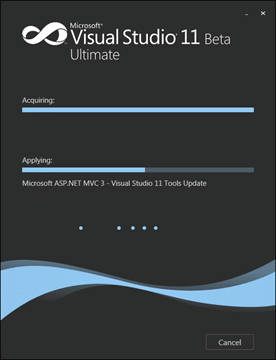
Figure: All components get on there but it may take a while
It took a little while, perhaps 30 minutes.
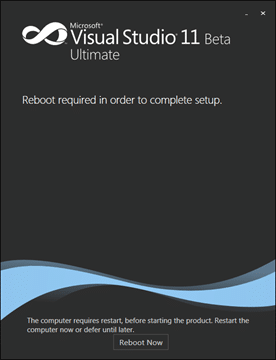
Figure: Shucks, another re-boot!
I don’t know why, but it did not have any extra bits to do so hopefully they will be able to install without a reboot if you already have .NET 4.5 as I did.
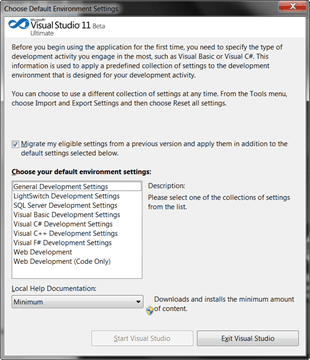
Figure: Pick your layout
You get a bunch of first run layouts with Visual Studio 11 and you even get a “code only” minimal one for web development. But I like the “Visual Basic” layout. Note that this is not picking a language it is just picking a layout of Visual Studio IDE. You can customise everything later.
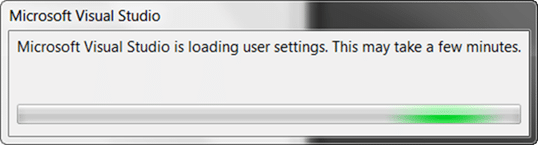
Figure: Sigh, and another progress bar
While Visual Studio configures itself you need to wait, but only for a few minutes…and then…
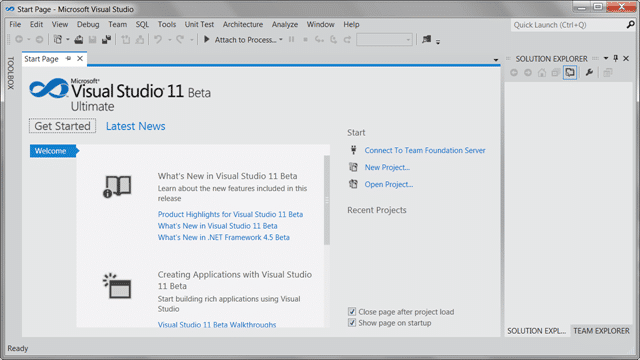
Figure: The new UI
I really like the clean new UI. Colour is now for accent and not just for splashing around the place (although that is a running joke at the MVP Summit) and almost all things that have colour you can click!
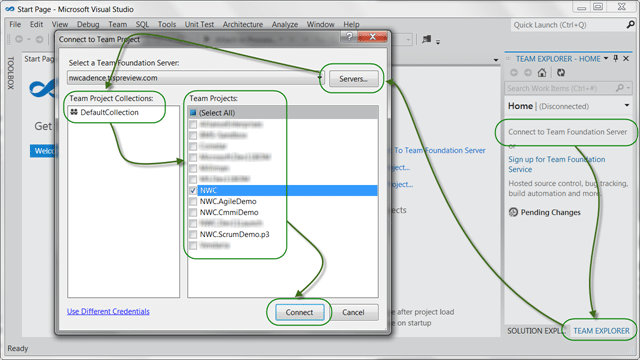
Figure: Connecting to Team Foundation Server
I LOVE the new team Explorer, but it will take a little getting used to…
Remember that there is Go-Live for Visual Studio 11 !
Go on… be a kid again!
If you've made it this far, it's worth a conversation. Tell us where you are and what you're trying to change. Martin reads every inquiry and replies personally.
Start the conversationWe partner with businesses across diverse industries, including finance, insurance, healthcare, pharmaceuticals, technology, engineering, transportation, hospitality, entertainment, legal, government, and military sectors.

Flowmaster (a Mentor Graphics Company)

Akaditi

Freadom

Epic Games

Higher Education Statistics Agency

Cognizant Microsoft Business Group (MBG)

Ericson

Lockheed Martin

Philips

Microsoft

Bistech

Emerson Process Management
ProgramUtvikling

Kongsberg Maritime

Alignment Healthcare

Trayport

Lean SA

YearUp.org

Washington Department of Transport

Ghana Police Service

Nottingham County Council

New Hampshire Supreme Court

Washington Department of Enterprise Services

Department of Work and Pensions (UK)

MacDonald Humfrey (Automation) Ltd.

DFDS
Kongsberg Maritime

SuperControl

Jack Links
Cognizant Microsoft Business Group (MBG)